Lighting that sells the material
Describe how light hits chrome, linen, ceramic, or skin. Name the texture and the kind of shine or shadow instead of leaning on a vague style word.
Glossy reflections, a returning mascot, a slogan baked into the scene: describe the details that matter and Nano Banana 2.1 builds around them. Start from words, references, or both.
Log in to pick up 100 starter credits and start generating
What shapes a picture
A strong image is a stack of small decisions. Spell out how things should look, what must remain recognizable, and how the frame delivers the message.
Describe how light hits chrome, linen, ceramic, or skin. Name the texture and the kind of shine or shadow instead of leaning on a vague style word.
Upload images for the subject, the location, or the look. Say what each contributes and which details should not change.
For a series, reuse one description of the character or product. Call out its defining shape, colors, clothing, or packaging before you change the scene.
Write the exact words, their order of importance, and where they belong. For diagrams, explain the reading order and how labels connect to visuals.
Project ideas
See how one product, one person, or one palette can tie a group of images together. Use these as springboards for your own prompts.
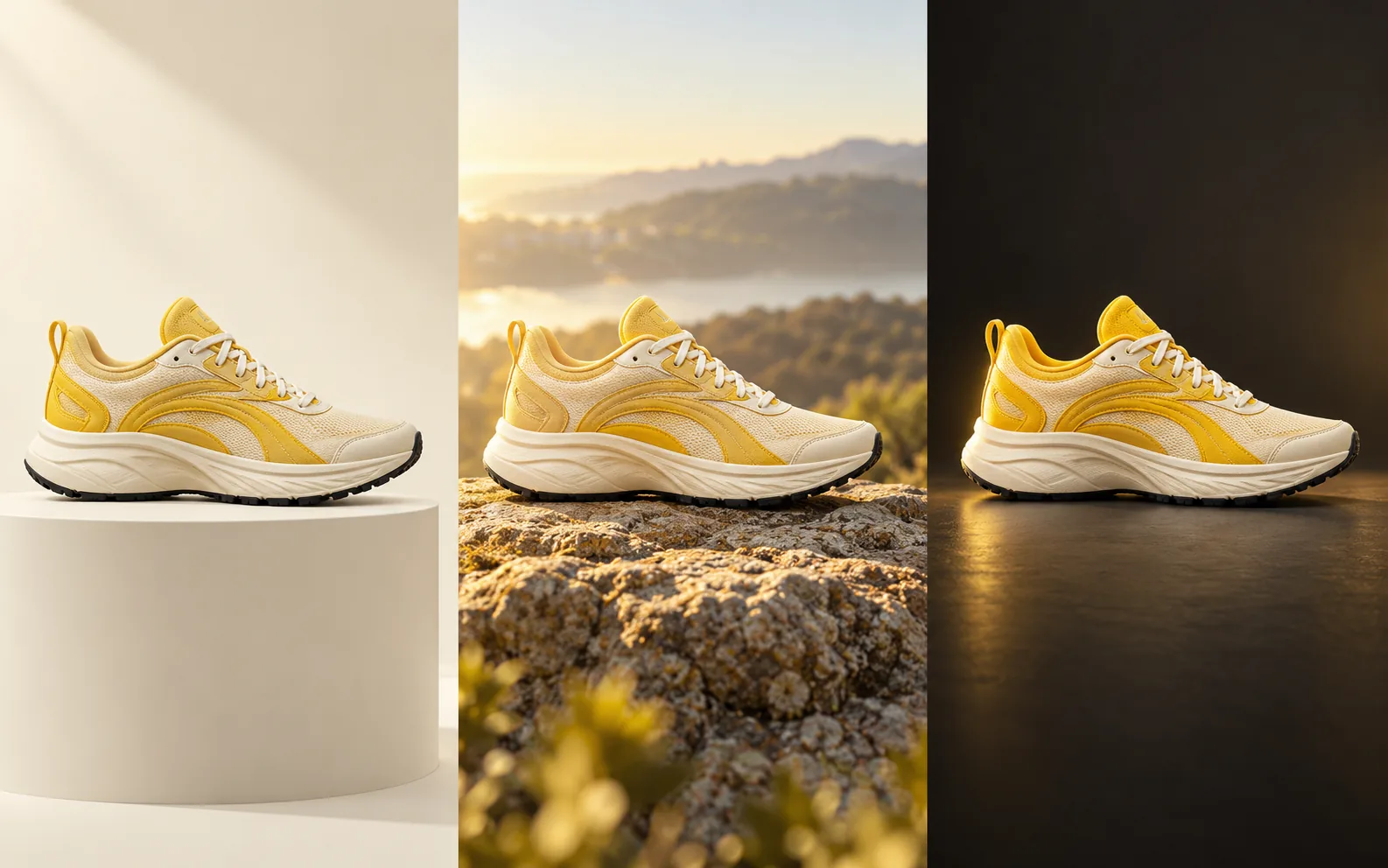
Plan a clean catalog shot, an outdoor lifestyle scene, and a moody campaign image around the same shoe. List the panels, mesh, laces, and sole that must stay exact.
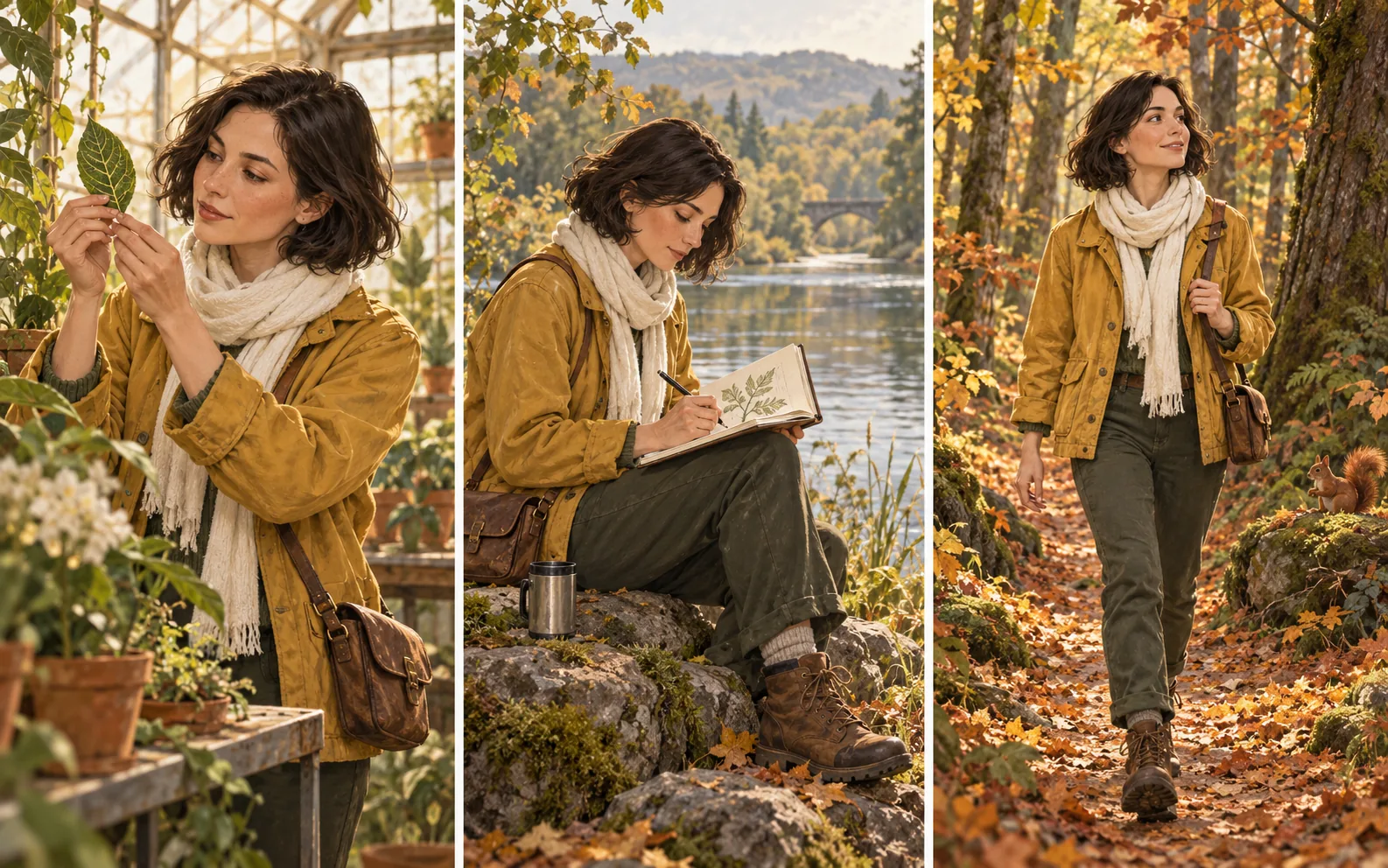
Follow one person from studying a leaf to drawing by a lake to walking through autumn woods. Keep the haircut, jacket color, and scarf in every prompt while the setting moves.
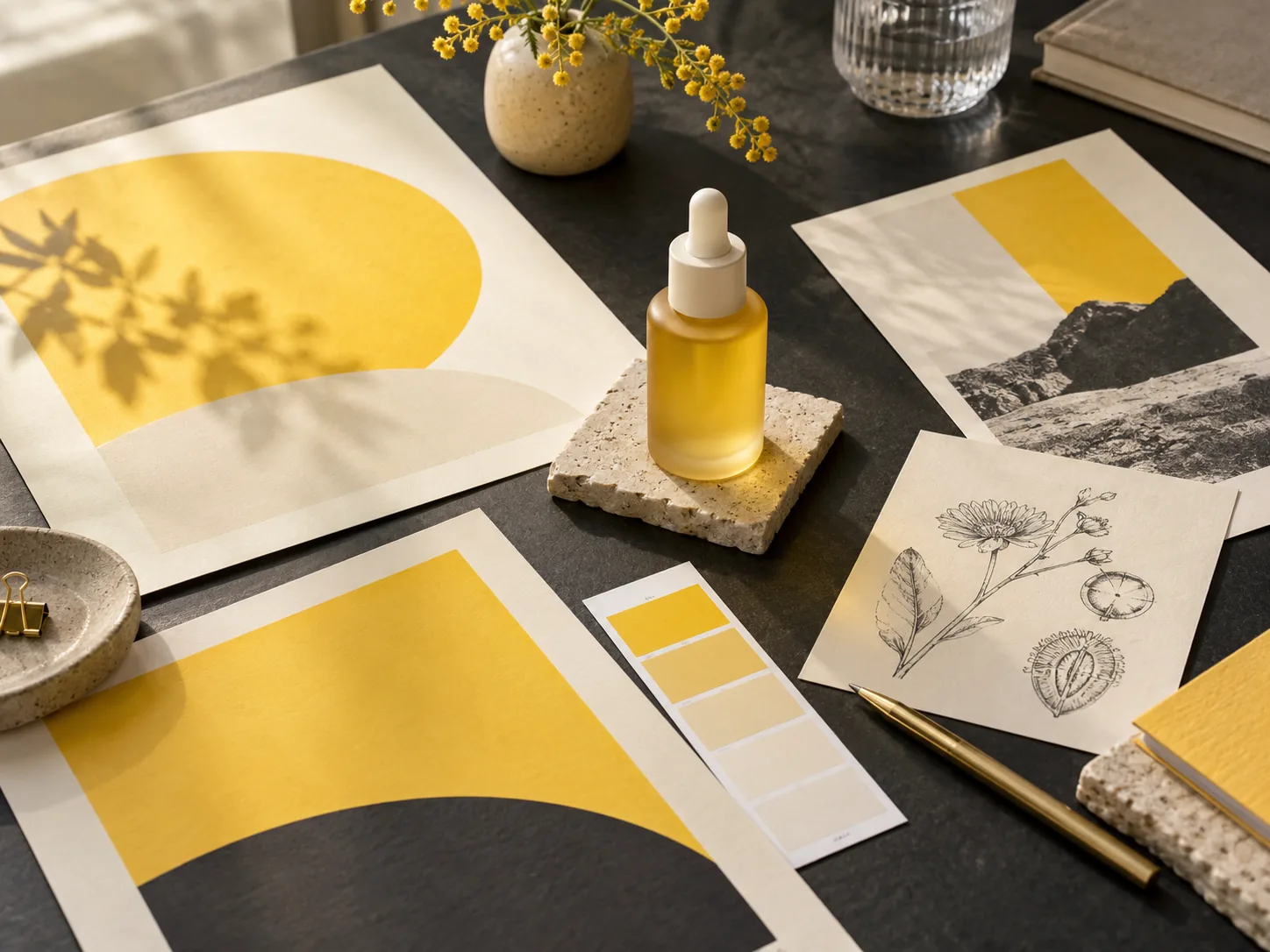
Start from a desk of swatches, posters, and a hero product, then plan how product color, graphic shapes, and organic details play together in one composition.
How it works
The most useful prompts separate the new idea from the details that should carry over between versions.
01
Name what is in the picture and where it will be used. Add the composition, light, and materials that matter for that placement.
02
Upload up to 10 images and explain which guides the subject, which guides the setting, and what must be preserved.
03
Choose the aspect ratio and resolution, check the credit cost shown beside the button, and sign in to generate.
04
Inspect identity, proportions, and text. For the next take, change one thing and restate the details that must hold.
Image questions
Practical tips for turning a visual requirement into a precise prompt and a smoother review.
Describe the material, the direction and softness of the light, and the camera angle. Then check reflections, edges, and proportions in the result before you use it.
Describe each upload separately: the product from the first, the room from the second, the color palette from the third. List what to keep so the prompt does not ask for conflicting changes.
Point to the area to change, describe the replacement, and say what stays the same. Attach the source image as a reference and keep the instruction specific.
Yes. Provide the exact wording plus its position, size, and reading order. Proofread spelling, line breaks, and any facts before publishing.
Match the destination: a wide banner needs a different composition from a square tile. Pick 1K for drafts and 2K or 4K for finals, and check the credit cost before generating.
Start with one detail
A subject, a helpful reference, and a layout goal are all you need to begin. Give your next design something concrete to stand on.